The public link
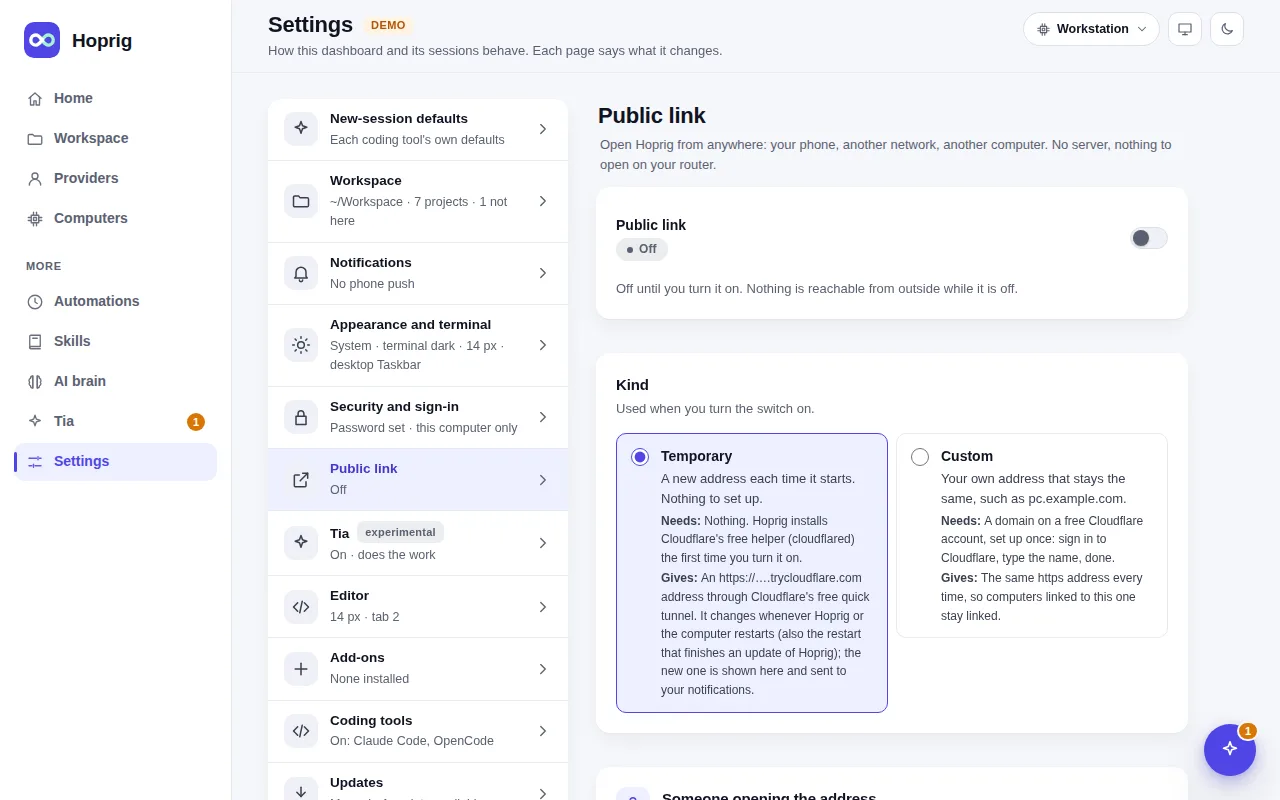
Settings → Public link (or hop public on) makes this dashboard reachable from anywhere through a Cloudflare
tunnel: no server of your own and nothing opened on your router. It is off until you turn it on, and it is one
switch with two kinds, never both at once:
- Temporary: a new
https://….trycloudflare.comaddress each time it starts; nothing to set up. - Custom: your own address that stays the same, on a domain in a free Cloudflare account (set up once on the page).
The tunnel helper installs itself the first time. Turning the link on needs a strong dashboard password (the page
asks for one in place), and a visitor sees only the sign-in page. A link that was on comes back after a restart
(a Temporary one with a new address, which the page shows and sends to your notifications).
hop public on --temporary | --custom, hop public off, hop public status.