How do I get my whole AI coding setup back on a new, formatted or lost computer?
If your workspace is in git, three commands bring it back: the install line, hop workspace git to sign in to GitHub, and hop workspace restore with your brain's address. It clones the brain and every project and code repository its map names, links the AI memory, and offers the dependency installs.
Who this is for
You got a new laptop, reinstalled your system, or lost a computer. You want your projects, rules, skills and AI memory back, without an evening of setup.
The problem
A coding setup is many small things: tools and their versions, the repositories and where they go, Claude Code's rules and skills, each project's memory. People search for "restore Claude Code setup after reinstall" or "set up the same AI coding workspace on a new laptop". Done by hand, something is always missing.
What Hoprig does
Before anything happens, on the computer you have now:
hop workspace maplists every repository of the workspace in one file in your brain. Commit and push the brain. The dashboard keeps this map up to date by itself.- Optionally,
hop pc recipe save my-setup.jsonwrites the computer's kits, its projects folder and your repository addresses into a recipe. Never a key, a token or a password.
On the new computer:
- Install Hoprig with the one line. Its setup installs git, Node.js, Python, GitHub's
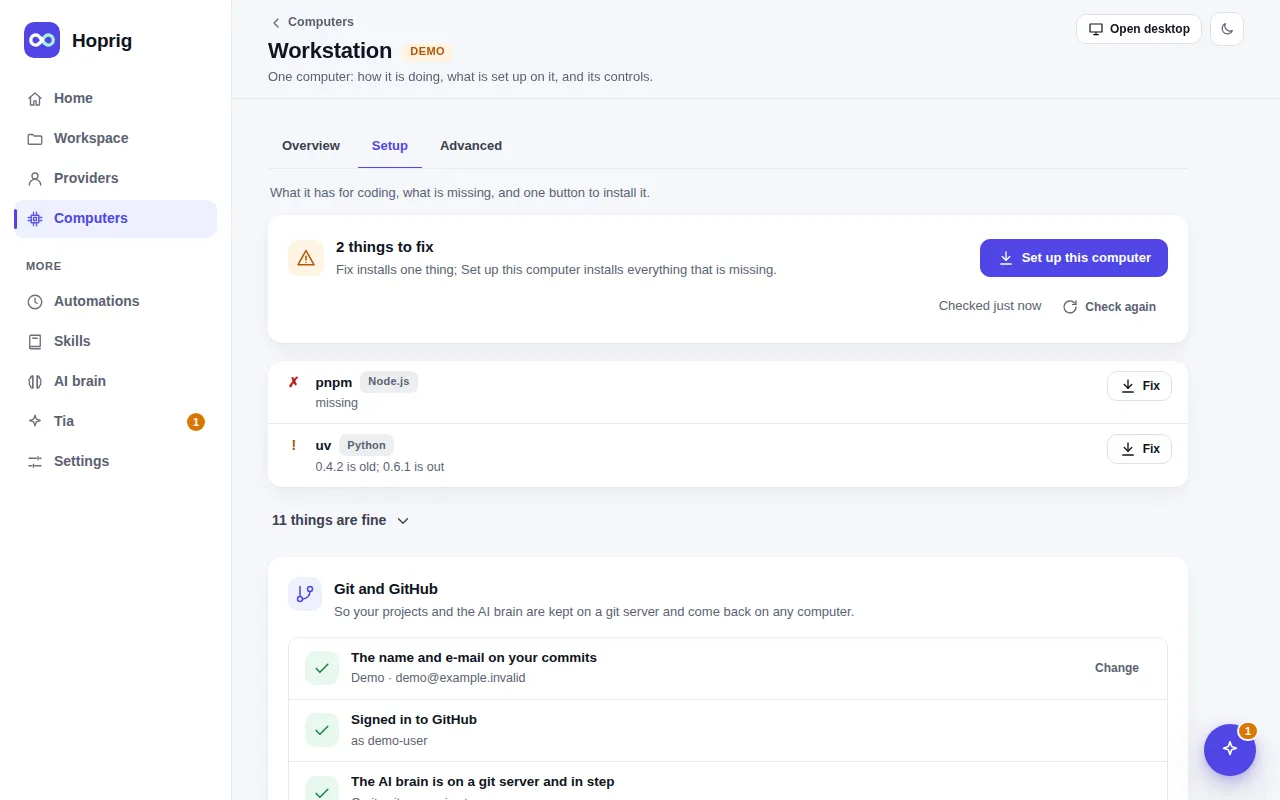
ghand the rest, after asking once. These installs were run on clean Ubuntu, Debian and Fedora; on macOS they were checked read-only, not run yet. hop workspace gitsets git's name and e-mail and signs you in to GitHub.hop workspace restore <your brain's address>clones the brain, reads its map, shows the whole plan, asks once, then clones every project and code repository where it belongs, links each project's memory, copies.env.exampleand offers the dependency installs.hop workspace linkmakes your coding tools read the brain's rules, skills and memory again.hop pc setup --recipe my-setup.jsonsets up the same kits as the old computer.
curl -fsSL https://raw.githubusercontent.com/allswebtech/hoprig/main/install.sh | sh
hop workspace git
hop workspace restore <your brain's address>
Run restore again and it only gets what is missing. What is there is never overwritten or moved.
What you need
- Your AI brain in a git repository you can reach (GitHub or any git server).
- Access to your private repositories from the new computer: the GitHub sign-in or an SSH key.
What it does not do
- Only what was pushed comes back. Work that was never committed and pushed on a lost computer is gone.
- Keys and passwords are never in git. Your providers (Claude sign-ins, API keys) are added again with
hop add, and thecredentials/folder is yours to bring. - A repository that cannot be cloned (no access, deleted) is listed with git's own reason, and the rest goes on.