How do I use Claude Code on two computers with the same skills, rules and memory?
Keep them in one workspace that lives in git. Hoprig links Claude Code's rules, skills and memory to your own AI brain repository and each project's memory to that project's repository; on the next computer one command restores it all, and hop workspace sync keeps every repository in step.
Who this is for
You use Claude Code on a desktop and a laptop, or at home and at the office. A skill you made on one is missing on the other, and the project memory does not match.
The problem
Claude Code keeps a project's memory under a folder named after the project's full path on that computer, so it does not carry over to another machine. People search for "sync Claude Code skills and memory between two computers" or "share CLAUDE.md and skills across machines", and many end up building their own git repository for it by hand.
What Hoprig does
- On the first computer,
hop workspace setupcreates the one folder tree (~/Workspacewithai_brain/,projects/and the rest). It creates only what is missing. hop workspace linkmakes every coding tool that is on read the same global rules, skills and memory from your AI brain. Nothing is overwritten: a file that is already there is merged into the brain and kept as a dated backup.hop workspace gitsigns you in to GitHub and offers to start your brain in a private repository.hop workspace mapwrites one file in the brain that lists every git repository of the workspace, by address only, never a token. It never commits; it prints thegit addandgit committo run.- On the second computer: install Hoprig, then
hop workspace restore <your brain's address>. It shows the plan, asks once, and clones the brain and every project and code repository where it belongs, with each project's memory linked. - From then on,
hop workspace syncfetches and fast-forwards every repository; it pushes only with--push, and--memorycommits the memory folders first. The dashboard can do this every few hours by itself (off until you turn it on). - To see both computers' sessions in one place: Computers → Add a computer.
On the first computer:
hop workspace setup         # the folder tree; only what is missing
hop workspace link          # the coding tools read the brain's rules, skills and memory
hop workspace map           # the list of every repository, in the brain
On the next computer:
hop workspace restore <your brain's address>
hop workspace sync --memory # later: every repository in step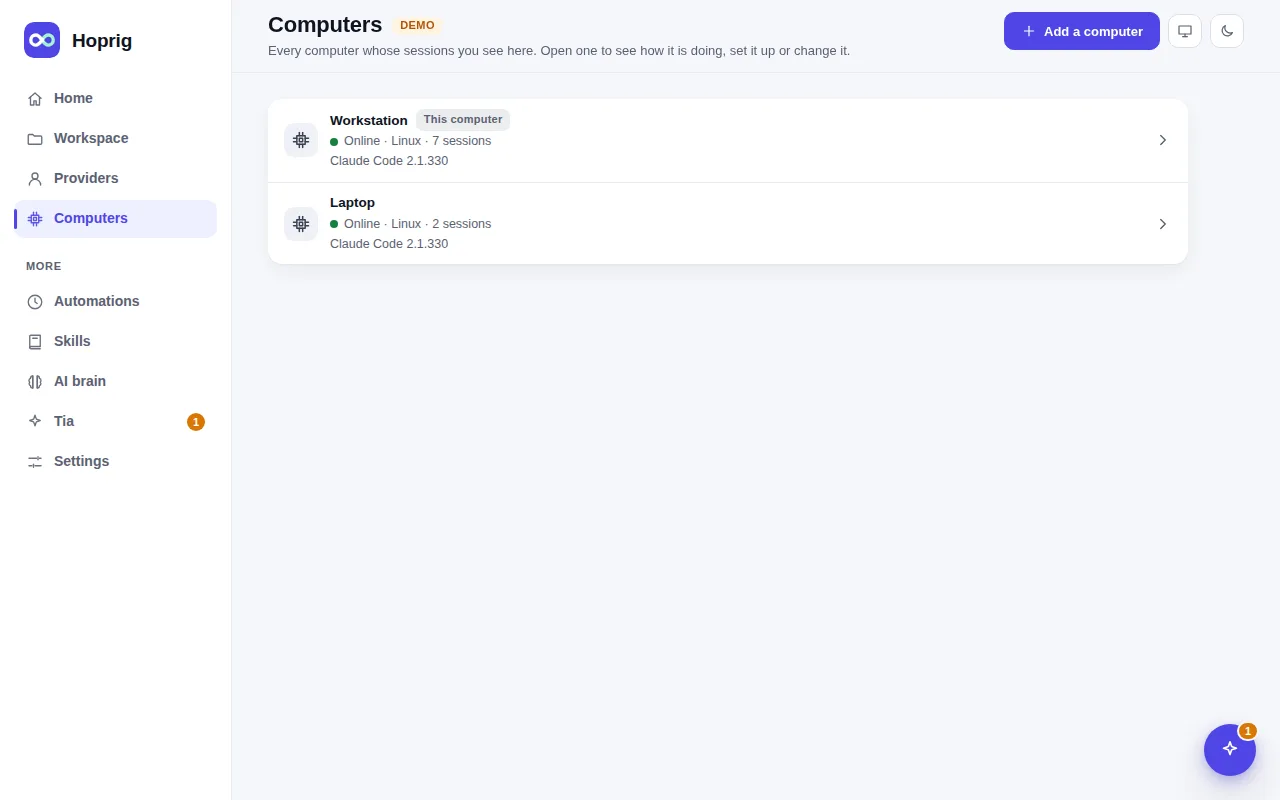
What you need
- Hoprig on both computers.
- A git server for your brain and projects. GitHub works; any git address does.
What it does not do
- Sessions stay on the computer they ran on. The conversations themselves are not copied between computers; the dashboard shows every computer's sessions on one page, and the memory travels through git.
- It is not live sync. Memory moves when it is committed and pushed, and sync never merges: when both sides changed, it lists the command to run.
- Keys and passwords are never put in git. The
credentials/folder stays on each computer; copy it yourself.