How do I let AI coding work go on while I sleep?
Line the work up before you go: queue the next messages for a session, or schedule a chat to start at a set time, and, for Claude Code, turn on Auto mode so that a usage limit does not stop it. In the morning the chats show what was done, with every reply and change to review.
Who this is for
You hand feature-sized work to a coding tool at the end of the day and review it the next morning. You want the next task to start when the last one ends, not when you wake up.
The problem
A session finishes its task at 1 a.m. and then sits idle. Or it stops at a usage limit, or waits all night for an OK you never saw. People search for "queue messages for Claude Code" and "schedule Claude Code tasks".
What Hoprig does
These are rules you switch on, on the Automations page. No AI is involved in them.
- Queue: give a session its next messages. Each goes in when a reply ends, and only while the coding tool is the program in front in that terminal; otherwise it waits and its row says why.
- Schedules: start a chat (or a terminal session), or send a message to one, once, daily or on chosen weekdays.
- Retry: in a Claude Code session, after a server error that is not a limit, wait and continue, three times.
- Restore: after a restart, Claude Code's terminal sessions come back where they were.
- Auto mode (Claude Code only) carries a session on to the next provider at a usage limit, without a tap.
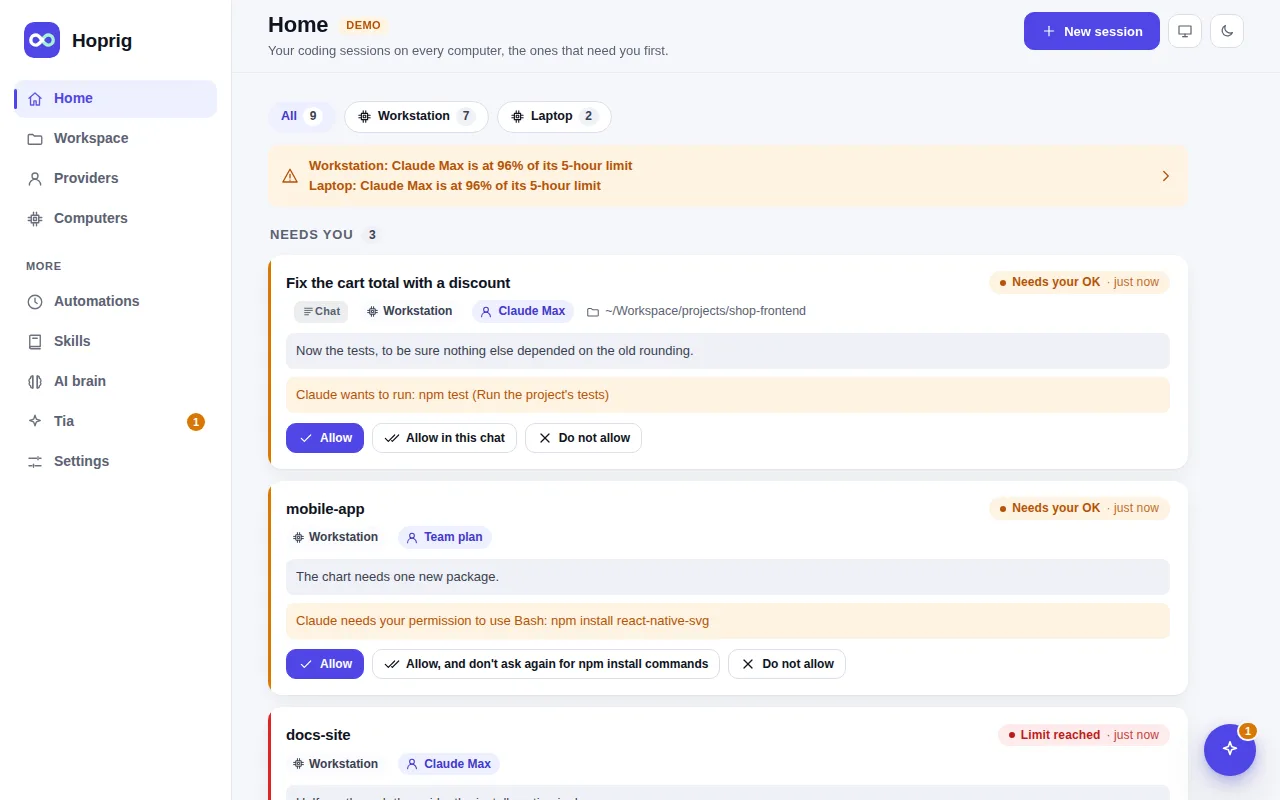
- Notifications: a push to your phone when a session waits for you, needs your OK or reaches a limit.
A chat that waits for your OK waits all night. The permission mode chip decides that before you go: in Bypass permissions Claude Code asks nothing except before some deletes, and Hoprig answers for it when the delete is plainly inside the session's folder; a question to you, what your own settings insist on and any other delete it stops for still wait. Use that mode only in a project you can afford to have changed.
What you need
- The computer stays on, and the dashboard runs in the background (setup installs this background service by default;
hop service installdoes it later if it was skipped with--no-service). - A second provider for Auto mode, if limits are a concern.
What it does not do
- It does not judge whether the work is good. Review it in the morning, as you would a colleague's.
- No triggers from outside, such as a GitHub event or a webhook: only the queue and schedules.
- An API key used all night costs money. Auto mode is off until you turn it on.
- Tia, the assistant, can watch a job and report when it is done, but she is experimental, off by default, and her own thinking costs money.