How do I set up every machine the same way for AI coding?
Save one computer's setup as a recipe and set up every other machine from it, and give them the same working rules and skills from one AI brain in git. A hub then shows every machine's state, setup and sessions on one page.
Who this is for
You look after several machines for coding: your own, a few servers, or the computers your AI agents run on. Each should have the same tools, rules and skills, and you want to see which one waits for an OK or hit a limit.
The problem
Machines drift. One has an old Node.js, another lacks a skill, a third has different rules. And with six terminals open, it is easy to miss the session that waits for you.
What Hoprig does
- On the machine that is set up the way you want:
hop pc recipe save team.json. A recipe holds the kits, the tool versions (as information), the projects folder and the addresses of your repositories. Never a key, a token or a password. - On every other machine: install Hoprig, then
hop pc setup --recipe team.json(a file or an https address). A recipe is checked strictly, and nothing in it can run a command. - The same rules and skills everywhere:
hop workspace restore <brain address>andhop workspace linkon each machine point Claude Code (and OpenCode) at the same AI brain. - One machine is the hub; the others join it (
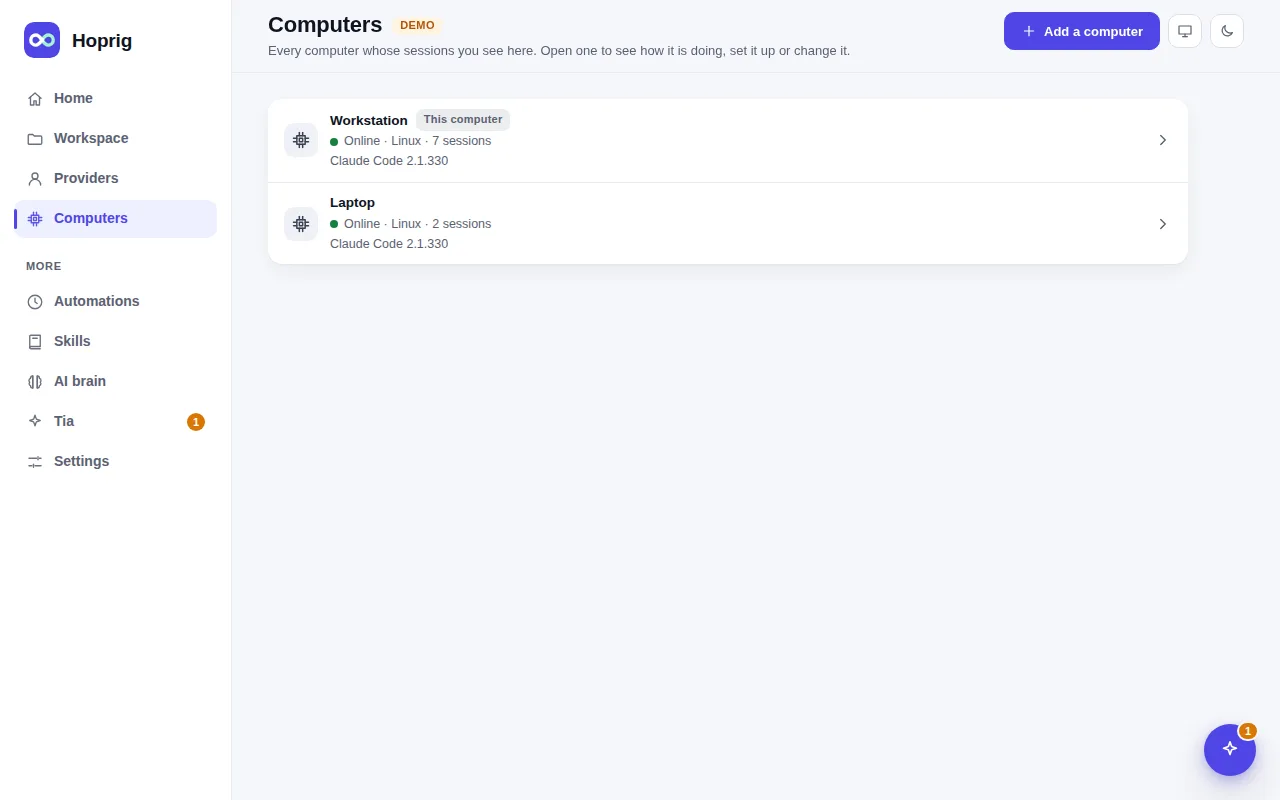
hoprig join) or are added by SSH (hoprig machines add user@server). The Computers page lists them all with their state. - Open a computer, then Setup: what it has, what is missing, a Fix button where a fix exists, and Set up this computer. The install runs as a job on that page, also for a computer reached through the hub.
hop pc status --jsongives each machine's state as JSON, for your own scripts.
What you need
- One machine that is always on, as the hub.
- The AI brain in a git repository every machine can reach.
What it does not do
- There are no user accounts or roles. A dashboard has one password, and whoever signs in to the hub can drive every computer it shows. It is for one person, or people you trust with all of it.
- There is no automatic drift check: run
hop pc statuson a machine to see what differs. - Accounts stay each person's own. Never share a Claude account.