My AI-built project became a mess after a few weeks. How do I keep it in order?
Give every project the same structure from the first day: one folder with the rules for the AI, the AI's memory and the docs, and the code repositories inside it, all in git. Hoprig makes that folder with one command, and adds working rules and skills that fit the project.
Who this is for
You build with an AI coding tool, and the first weeks went fast. Now the AI forgets what was decided, repeats old mistakes, and nobody knows which notes are current.
The problem
The rules for the AI are in a file nobody updates, the memory is on one computer, decisions live in old chats, and every session starts by re-reading everything. People call it "instant legacy": code that is in use but that nobody, human or AI, can still change with confidence.
What Hoprig does
hop project new shopmakes one folder for the project, in git:AGENTS.md(the one instruction file for AI tools, withCLAUDE.mdpointing to it),ai_brain/for the project's memory, learnings and current context,docs/,decisions.md, andcode/for the code repositories. Add--githubfor a private repository on GitHub.hop project add shop webadds a code repository atcode/shop-web, its own git repository, so code and notes do not mix.- The project's AI memory lives in its own repository: Claude Code's memory folder for the project is linked there. The next session, and the next computer, know what was decided.
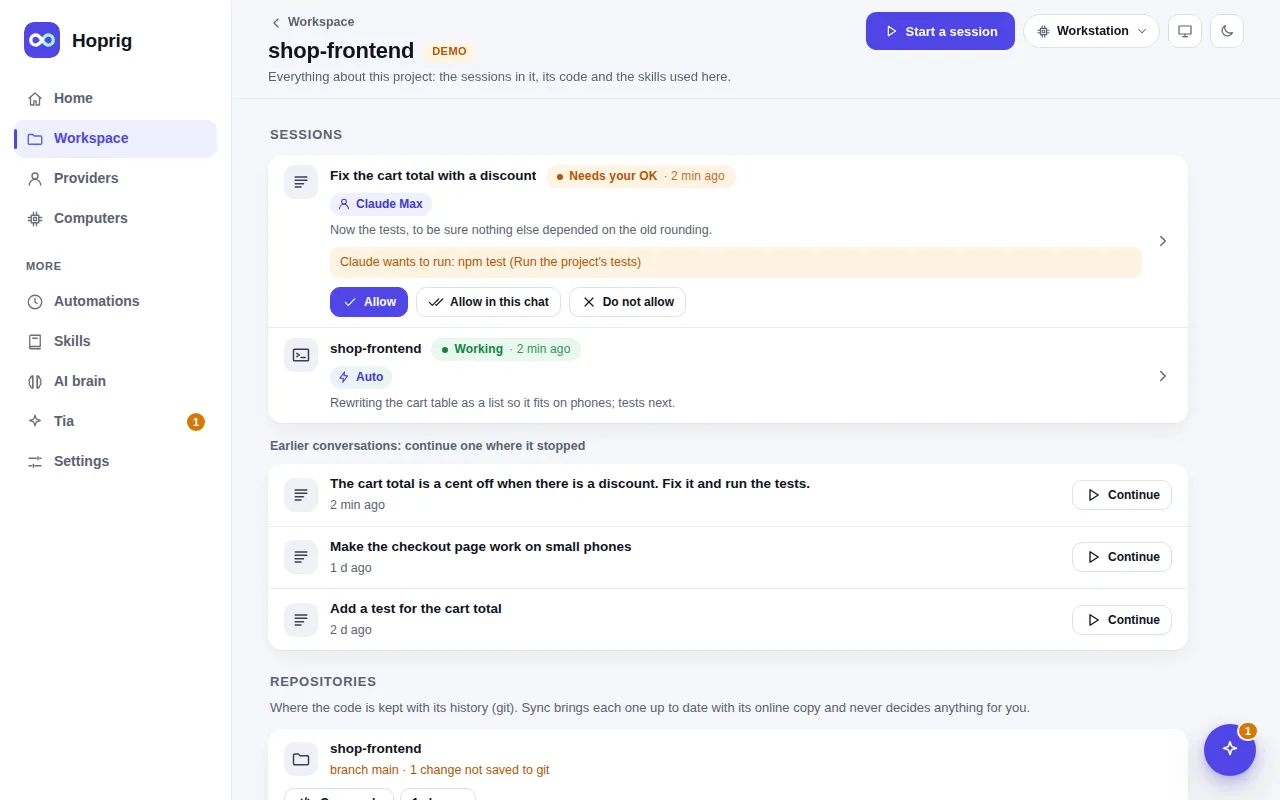
hop pc setup --rulesadds a starting set of working rules for Claude Code: pick the model and effort for the task, prove the most important case first, and "done means proven" (run the check before saying it works). One file, yours to edit; your ownCLAUDE.mdis never touched.hop skills suggestreads what the project is made of (itspackage.jsonand other manifests, no AI) and proposes skills that fit. You see every file and the risky lines before one is added.hop project statusshows each repository's branch, changes and whether it is ahead or behind;hop project sync --memorycommits the memory folders and brings everything in step.
What you need
- Hoprig on your computer, and git (setup installs it).
- A GitHub account if you want
--github; any git server works with its address.
What it does not do
- It does not tidy an existing codebase for you. For a project you already have,
hop project cloneunderstands a parent folder with its code incode/; moving files into that shape is your step. - It does not review your code. The rules and skills ask the coding tool to check its work; the checks run in your project.
- The working rules are a starting point, not a guarantee.